Starting with version 10 of the CMA, a list of new features will be detailed on this site. Please check back to see what’s new.
New Task Functionality
In order to provide the capability for a more customized workflow experience, the following modifications have been made to Task functionality in the CMA.
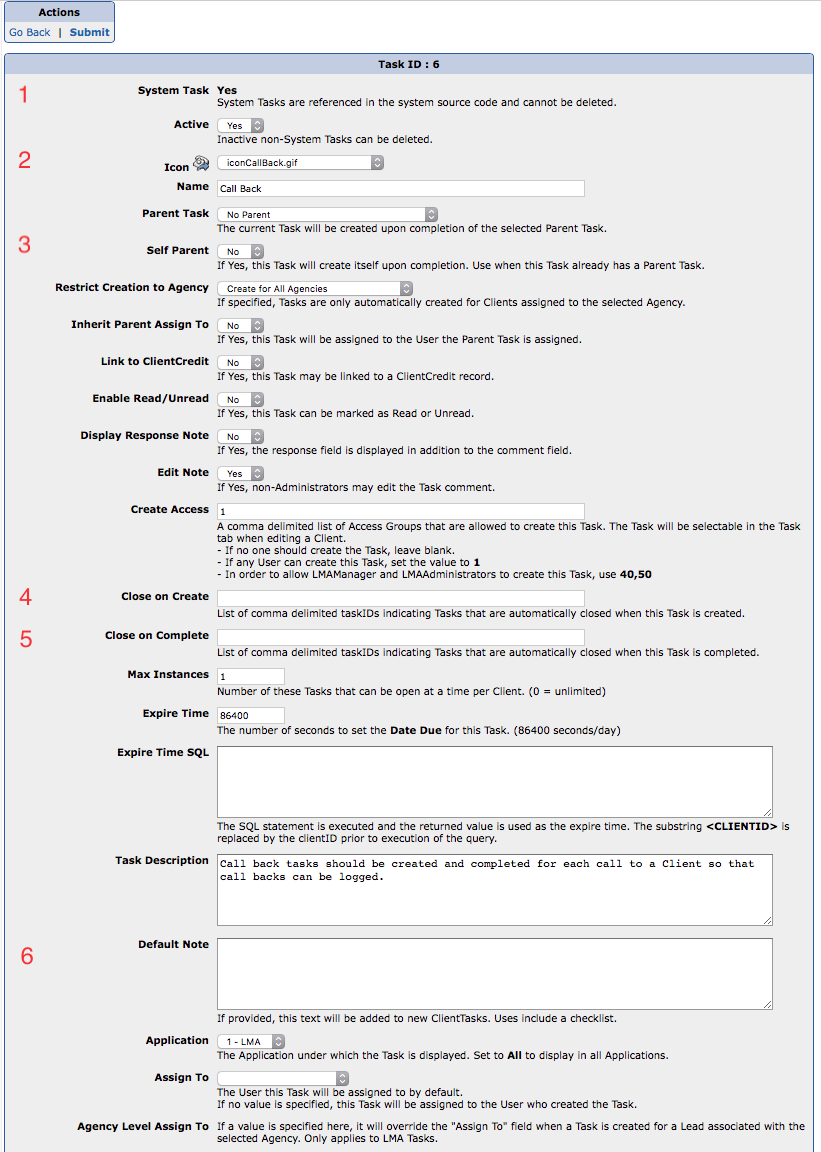
- Ability to add/delete custom Tasks (Tasks cannot be deleted if there are existing ClientTasks linked to them — they must be unused). Custom Tasks begin with an ID of 1001 to differentiate from existing Tasks
- Specify which Tasks are “System Tasks” — Tasks that are hardcoded into the source code for a variety of reasons. Examples are Paperwork, Disbursement Failures, Requests, etc.
- New drop down of available Icons
- A Task can be its own Parent (Self Parent) if it already has another Parent Task. This is useful for recurring tasks like Account Auditing and Balance Verification.
- Specify a list of Tasks to automatically close upon Task creation
- Specify a list of Tasks to automatically close upon Task completion
- Ability to specify a Default Note that is included in all Tasks of this type. Useful for predefined checklists.
For a full list of changes, please refer to the Changelog within the CMA.
Manager Report
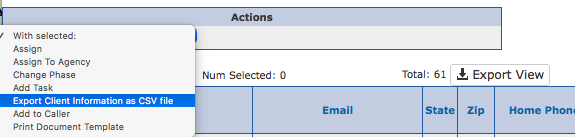
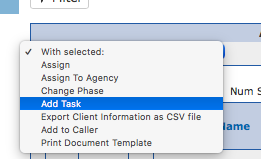
In addition, any Task may now be added to multiple Clients via the Manager Report. The list of available Tasks is determined by the current application, LMA or DMA.
To facilitate the creation of tasks for Clients with outdated Confirmed Balances, there is a new column Oldest Confirmed Balance.